
Automation in construction management
Stop chasing: set the rule once and let the project follow it
Chasing deliverables, checking every model by hand, rebuilding the same status report each week: most of it is a rule you already know. Automation runs those rules for you, on every team and every model version, so you only step in when something's actually wrong.
Your requirements become checks that run on every supplier's model, and the charts update automatically - you see who's on track without asking.
Every subcontractor knows what's due and when, linked models are checked automatically, and nobody waits for you to send a reminder.
Know your model meets the client's requirements before you share it, and stop rebuilding the same responsibility matrix for every project.
Roll the same rules out to every client: templates, checks and scheduled reports that run while you advise.
Teach the difference between a rule and a judgement, with real automated checks students can run on their own models.
Free plan. No card needed.
What to automate first
Four jobs to stop doing by hand
Reminders that chase for you
Chasing every team for its deliverables eats your week. Each task has an owner and a date, and Plannerly sends the reminders: 7 days before a start, 3 days before a deadline and when overdue.
MIDPRemindersModel checks on every version
Opening every model to look for missing data takes days. Set the information requirements once and every linked model version is checked against them automatically, with a list of what's missing.
VerifyIDSCharts and reports that build themselves
Rebuilding the weekly status report is busywork. The dashboard charts update automatically as tasks move and models are checked, and PDF exports can be scheduled and emailed to the team.
DashboardsReportsTemplates instead of starting over
Setting up every project from a blank page repeats last month's work. Your BEP, scope and checks become company templates, so every new project starts from your standard.
TemplatesISO 19650What teams got back
- 95%Faster model validationJTC Corporation, Singapore
- 70%Less BIM administration timeSODArchitects, Hungary
- 53%Fewer clashes$130M residential project, United States
Case studies
How three teams stopped chasing and checking by hand
-
 Singapore

95% faster
Model validation time
From 11,000 Excel rows to automated checks
JTC Corporation · Government agency
Eliminated 11,000 Excel rows and automated compliance checks across 2,000+ object types and 27 model categories with Plannerly's Verify module.
Before Plannerly, it took weeks to do model checks. Now we do it in hours.
John Kiong, Director · JTC Corporation -
 Hungary
70% less admin
BIM management time saved
70% less admin, zero spreadsheet chaos
SODArchitects · Architecture
Cut over 70% of BIM administration time with reusable templates and a workflow that replaces Dropbox, SharePoint, and scattered spreadsheets.
Plannerly saved us a lot of time and hassle. We'd highly recommend it to anyone managing BIM projects.
Ivo Galantai, CEO · SODArchitects -
 United States
53% fewer clashes
$130M residential project
53% fewer clashes on a $130M project
Major Real Estate Developer · 800+ O&M team
A $130M apartment project achieved 16.5% time savings and 53% fewer clashes, with 98% of constructability issues solved vs 31% on the control project.
The Plannerly process prompted critical cross-company conversations months before they would have caused problems.

See all case studiesOwners, design teams, contractors, consultants and educators - filter them by your kind of organisation.
Free lessons
Set up the rules once, one short lesson at a time
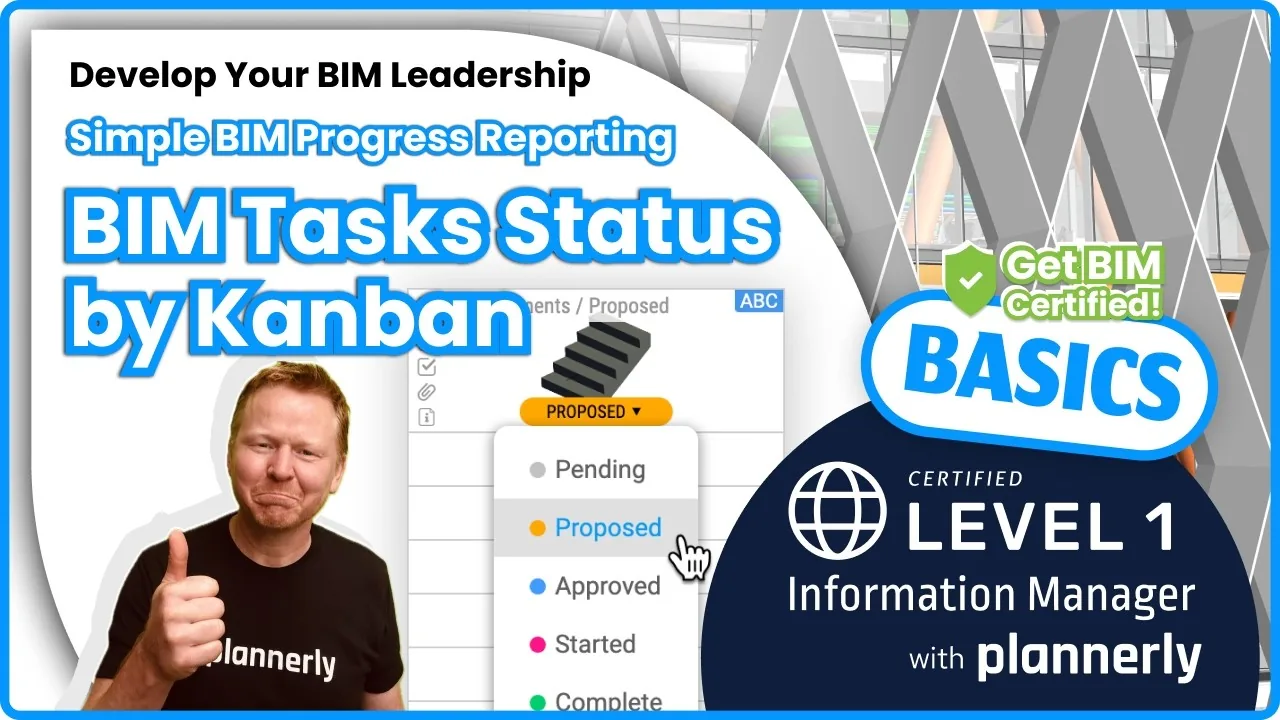 Level 1 lesson · Free
Collaborative Task Status (Grid + Timeline + Kanban Views)
Every task's owner, date and status, in the view each team prefers.
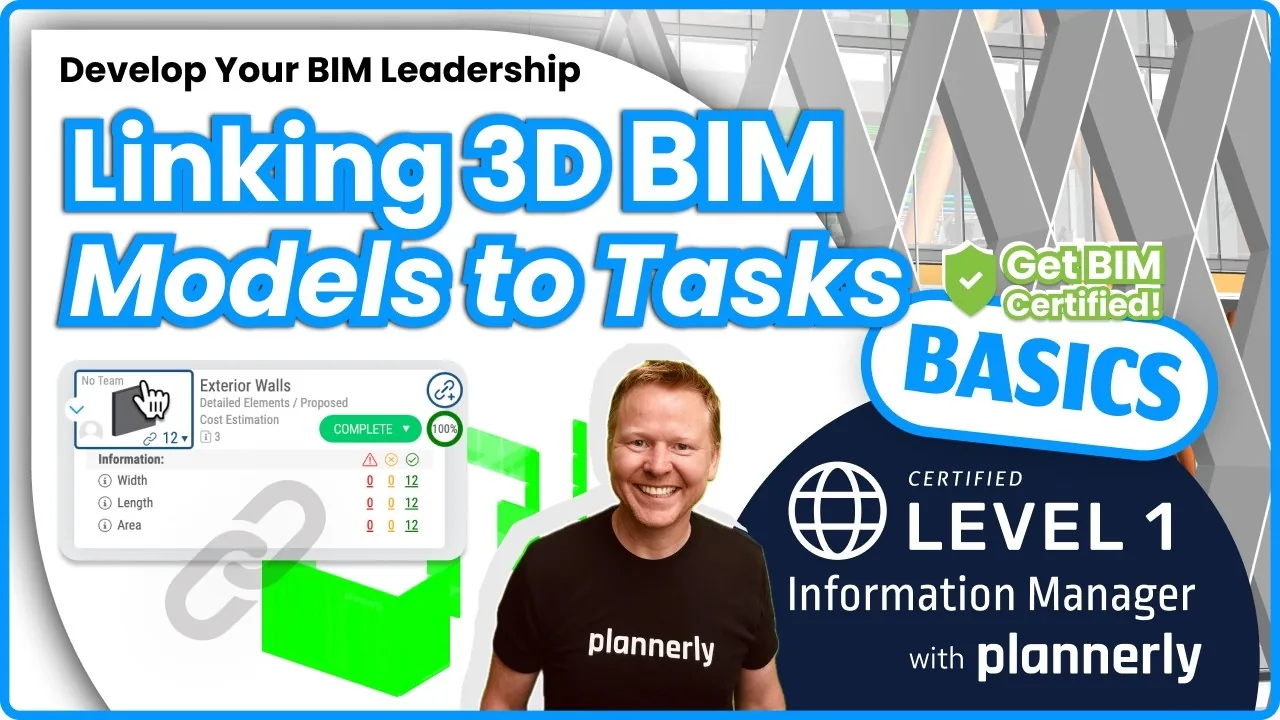 Level 1 lesson · Free
Linking Models for Auto-Checking
Link a model once, and every version is checked against the requirements.
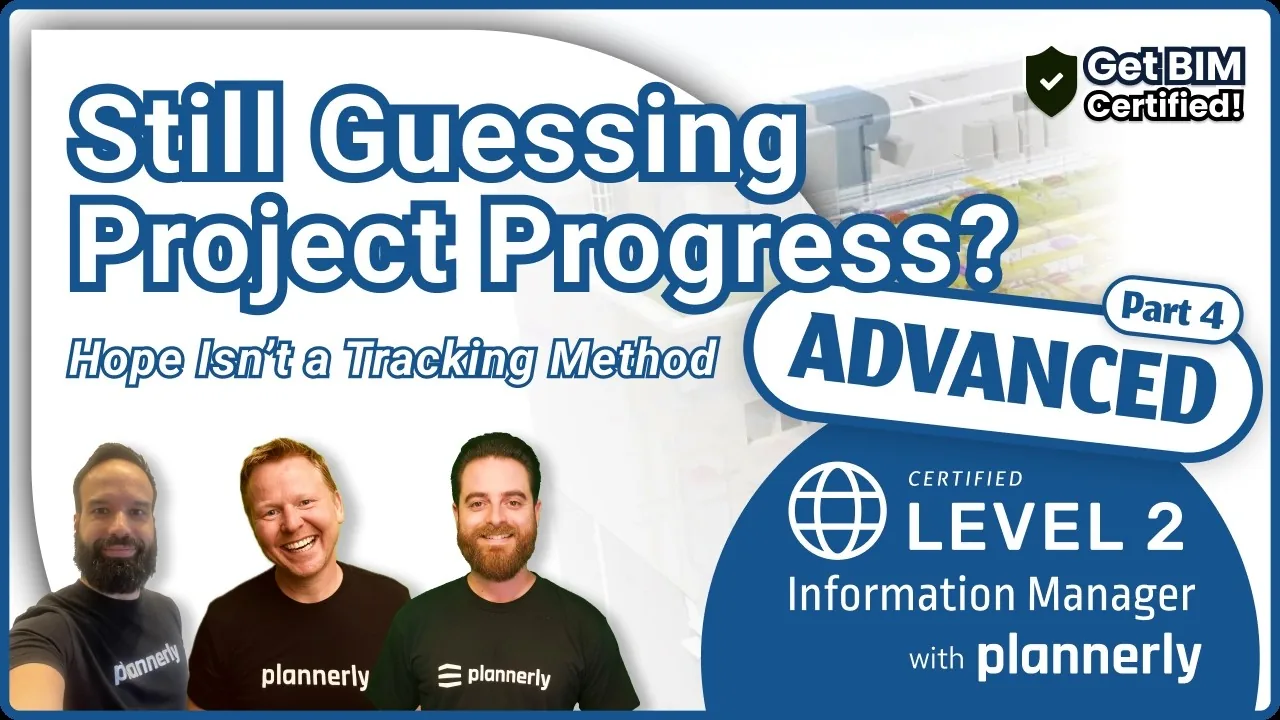 Level 2 lesson · Free
Part 4: Tracking Project Progress and Delivery - From Guesswork to Visibility
Progress you can see without asking anyone for an update.
 Level 2 · Free
Advanced BIM Workflows
Turn information requirements into deliverables, track progress automatically and verify models before handover.
How to survive as a BIM Manager
Surviving the MIDP
Define. Agree. Relax. Your MIDP shouldn't live in a spreadsheet that dies in week three. We build one live in Plannerly, start to finish - defined, agreed, signed and tracked - with the first public look at CDE Connect.
Chapters
- Welcome - where is everyone joining from?00:00
- Sneak peek: CDE Connect and the new File Manager02:16
- The job nobody signed up for03:10
- What ISO 19650 actually asks for03:35
- Why the MIDP spreadsheet always dies04:44
- The four steps07:37
- Live build - starting from an empty project09:50
- Paste your list, get every file11:50
- Automatic file naming16:30
- SmartFolder sets18:33
- Build Scope - planning the deliveries21:15
- Teams, owners and assignment23:41
- Timeline, dependencies and critical path25:10
- RACI and multi-party assignment26:56
- Agreeing it on the record27:38
- The contract document28:20
- E-signatures30:14
- CDE Connect - why "common" data environments aren't32:23
- Connecting and syncing your CDEs33:32
- Mapping folders and keeping files in step38:30
- Dashboards that build themselves41:05
- Recap - stop chasing, start managing44:45
- Next time: Surviving the RACI45:36
- Thanks and close47:02
MIDP Survival Kit: a starter project, the slides and two ISO 19650 PDFs
Start your MIDP from the project Episode 1 built instead of a blank spreadsheet, with all its slides and two PDFs from our free ISO 19650 training: the MIDP step and the whole process on one page.
- 1 starter project
- 4 PDFs
- Free
MIDP starter project
Episode 1's MIDP as a project of your own: task teams, milestones and deliverables in Scope, ready for you to paste in your own lists.
Frequently asked
Questions about automation in construction management
What can be automated in construction management?
Is automation the same as AI?
Do we need scripts or Dynamo to automate model checks?
How long does it take to set up?
Can I change when the reminders go out?
Does Plannerly detect clashes?
Read more
More on automation
 BIM management
4 x AI Features to Optimize Your AEC Documents + Contracts
AI features that can help streamline and enhance your AEC (Architecture, Engineering and Construction) document writing. In this article, we will explore four AI features that can boost your productivity and efficiency.
 BIM management
How To Create AI-Powered Documents (for BIM/AEC)
Simple AI-powered document creation tools to supercharge your AEC proposals! These incredible AI tools streamline your writing process, saving you precious time, while boosting accuracy when crafting awe-inspiring documents for the AEC industry. Personalize the generated content to perfectly align with your unique vision and requirements.
 English
Is Peter Parker a BIM Manager (on the side)?
Is Peter Parker a BIM manager on the side? A fun video where Plannerly's AI tools look into his background and write a document about it in one click.
 English
Unlock Your AEC Writing Superpowers with Our AI-Powered Tools
Exploit the power of AI to take your AEC writing projects to new heights. With these unique AI+BIM tools, you can quickly generate quality BIM contract documents with ease!
Pick one rule and let it run
Start free, open a template project and give one team's tasks owners and dates - the reminders start by themselves. See what you stop doing by Friday.
Start free and see every supplier's deliveries and model checks without asking for a report.
Start free and let the reminders chase your subcontractors for you.
Start free and check your models against the client's requirements before you share them.
Start free and roll your templates, checks and reports out to every client.
Plannerly is free for education: students run real automated checks on their own models.
Free plan · No card · Try Pro free for 14 days