
Video
Create Professional BIM Project Documents Fast with Templates - ISO 19650 Workflow
About this video
Free BIM + ISO 19650 Training: https://plannerly.com/training/
Creating a complete project document set from scratch can take far too long. In this video, see how to create professional BIM project documents quickly using templates inside Plannerly.
You'll learn how to set up a new project, choose your modules, browse a template library, and add full documents or individual sections into your project with just a few clicks. This is a practical workflow for teams looking to improve BIM management, document management, and information management in line with ISO 19650 principles.
In this video, you'll see:
- How to create a new BIM project
- How to use document templates to speed up setup
- How to add an EIR and other project documents instantly
- How smart fields automatically populate project content
- How to drag and drop additional sections into your document hierarchy
- How to build a more professional and structured document set without starting from a blank page
This video is ideal for:
- BIM Managers
- Information Managers
- Project Managers
- Design teams
- Construction teams
- Anyone working with ISO 19650 document workflows
If you want faster, more consistent BIM documentation and better project information management, this walkthrough will show you a simple way to get there.
Free BIM + ISO 19650 Training: https://plannerly.com/training/
BIM Boot Camp: https://plannerly.com/bim-boot-camp/
Featured in
Where this video is used
 Video · 39:00
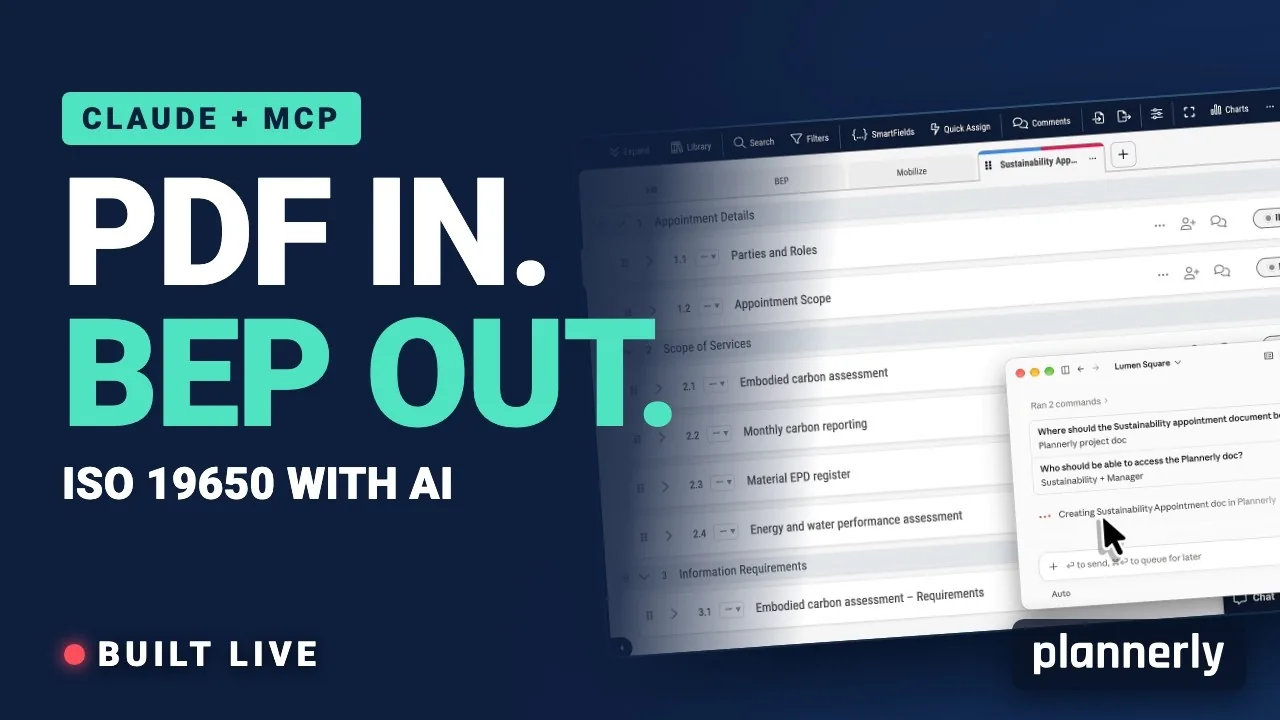
AI in BIM: Claude + MCP Turn a Client EIR into a BEP (ISO 19650)
Your client sent the information requirements as a PDF. In this live session we connect Claude to a Plannerly project with MCP and turn that EIR into a pre-appointment BEP, a scope, a RACI matrix and checkable information requirements - then just ask Javis what's missing.
 Video · 1:30
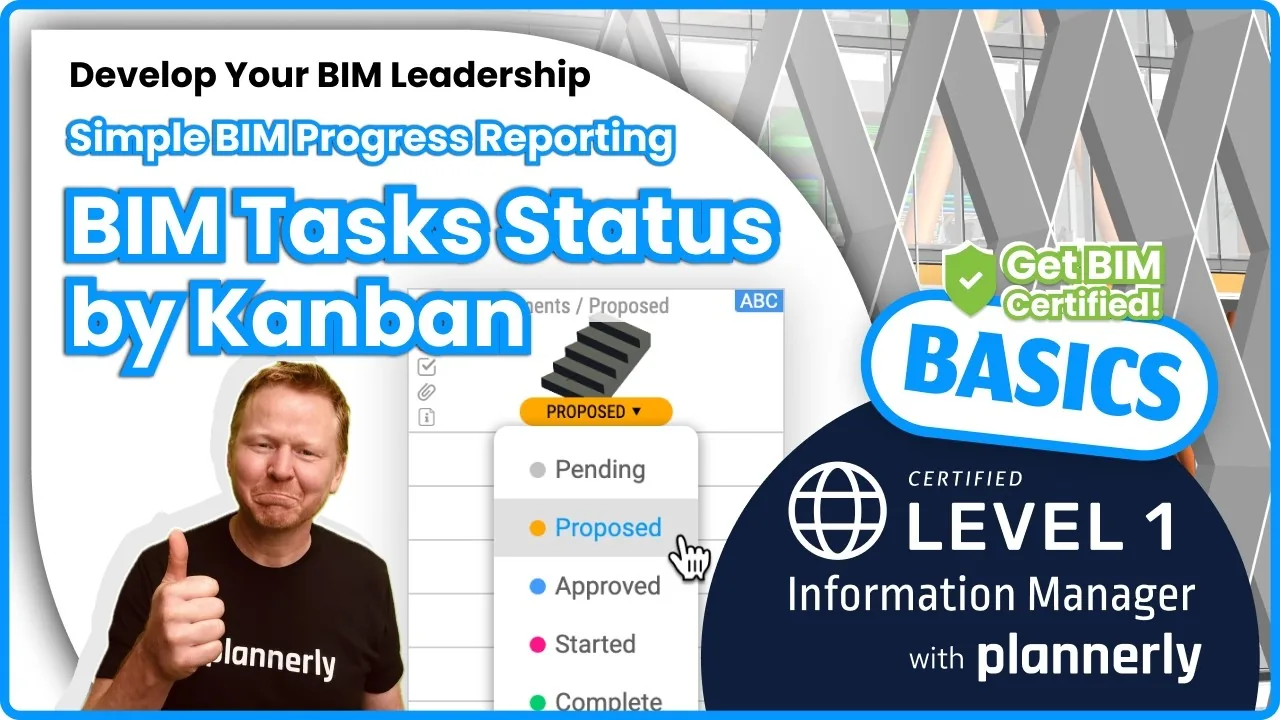
How to Track BIM Task Status Across Grid, Timeline and Kanban - ISO 19650 Scope Management
Free BIM + ISO 19650 Training: https://plannerly.com/training/
 Video · 2:45
How to Get Your BIM and Information Management Certificate - Add It to LinkedIn
Free BIM + ISO 19650 Training: https://plannerly.com/training/
 Video · 3:16
Verify Module Assignment - Check BIM Model Properties Against Scope Requirements
Free BIM + ISO 19650 Training: https://plannerly.com/training/
 Video · 1:25
How to Connect Autodesk Construction Cloud Models to Verify - BIM Model Sync and Checking
Free BIM + ISO 19650 Training: https://plannerly.com/training/
 Video · 3:54
How to Use QA Model Checking in Verify - BIM Quality Control for ISO 19650 Workflows
Free BIM + ISO 19650 Training: https://plannerly.com/training/