
Video
Verify Module Overview - 3D Model Checking for BIM, ISO 19650 and Information Management
About this video
Free BIM + ISO 19650 Training: https://plannerly.com/training/
The Verify module combines a 3D viewer and a Kanban board so teams can review model requirements, task status, and information quality in one connected space.
In this video, see how Verify helps BIM teams check not only whether model elements exist, but also whether the required information is present and complete. This makes model checking faster, more visual, and much easier to manage across project teams.
You'll learn how the Verify module supports BIM management, information management, and ISO 19650 workflows by helping teams connect model checking with task tracking and self-quality control before submission for review.
In this video, you'll learn:
- How the Verify module combines a 3D viewer with a Kanban board
- How to review tasks and model elements in the same workspace
- Why checking model geometry alone is not enough
- How to verify whether required information properties are present
- How color-coded model checking makes status easy to understand
- How teams can use self-quality checks before formal review
- How Verify helps reduce time spent manually managing tasks
- How better model verification improves issue management later in the workflow
- How connected model checking helps confirm whether deliverables meet the original requirements
This is a practical introduction to a more visual and streamlined way of reviewing BIM deliverables, checking quality, and improving coordination between teams.
This video is ideal for:
- BIM Managers
- Information Managers
- Project Managers
- Design teams
- Construction teams
- Anyone working with ISO 19650 model checking and information verification
If you want a simpler way to connect model review, task management, and quality assurance, this video shows how the Verify module can streamline your workflow.
Free BIM + ISO 19650 Training: https://plannerly.com/training/
BIM Boot Camp: https://plannerly.com/bim-boot-camp/
Featured in
Where this video is used
 Video · 39:19
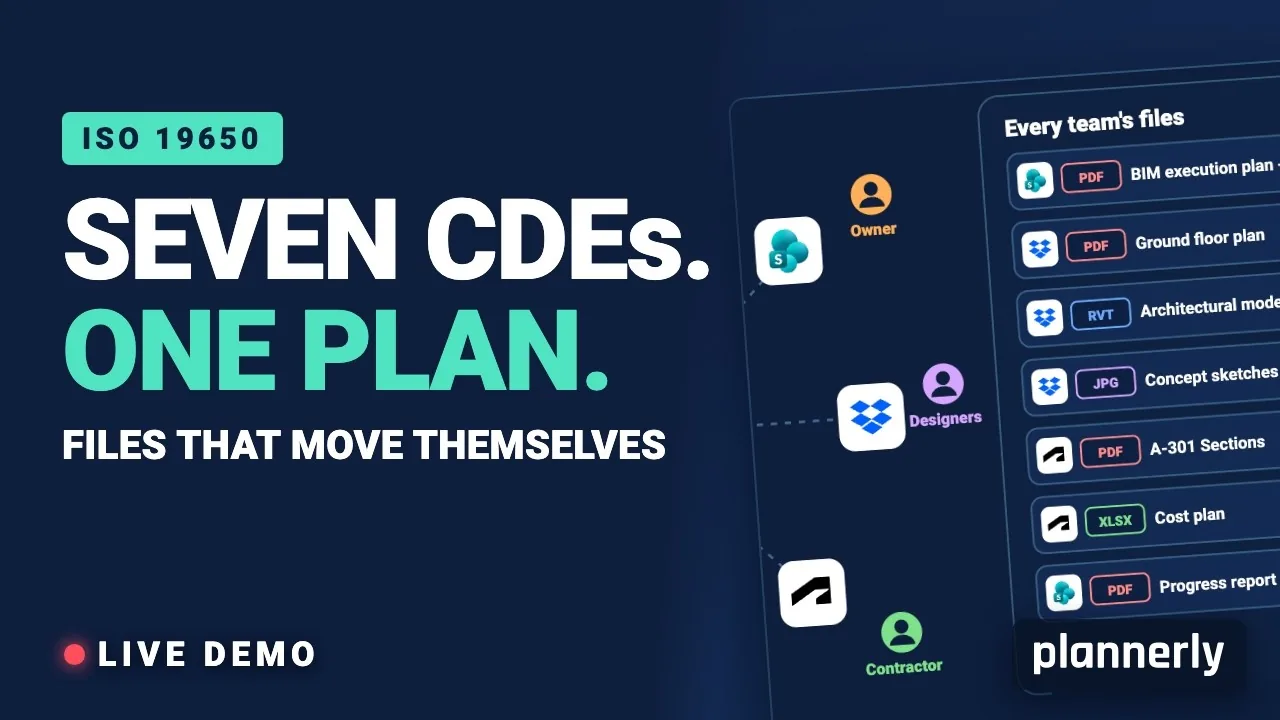
Why Your BIM Files Are Lost in Seven CDEs
Seven CDEs. One plan. In this live session an approved document files itself in the client's SharePoint, files dropped in the design team's Dropbox fill their requests in the MIDP, and a reviewed drawing goes straight on to the contractor's Autodesk Forma.
 Video · 1:30
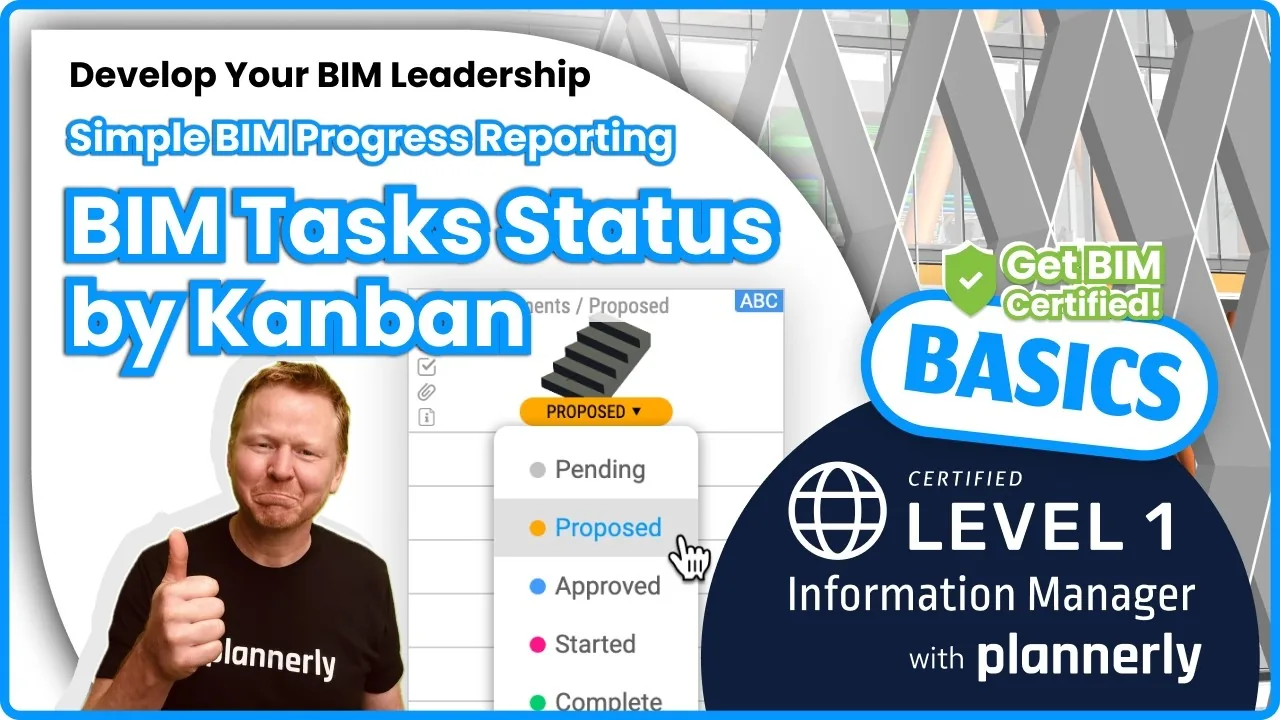
How to Track BIM Task Status Across Grid, Timeline and Kanban - ISO 19650 Scope Management
Free BIM + ISO 19650 Training: https://plannerly.com/training/
 Video · 2:45
How to Get Your BIM and Information Management Certificate - Add It to LinkedIn
Free BIM + ISO 19650 Training: https://plannerly.com/training/
 Video · 3:16
Verify Module Assignment - Check BIM Model Properties Against Scope Requirements
Free BIM + ISO 19650 Training: https://plannerly.com/training/
 Video · 1:25
How to Connect Autodesk Construction Cloud Models to Verify - BIM Model Sync and Checking
Free BIM + ISO 19650 Training: https://plannerly.com/training/
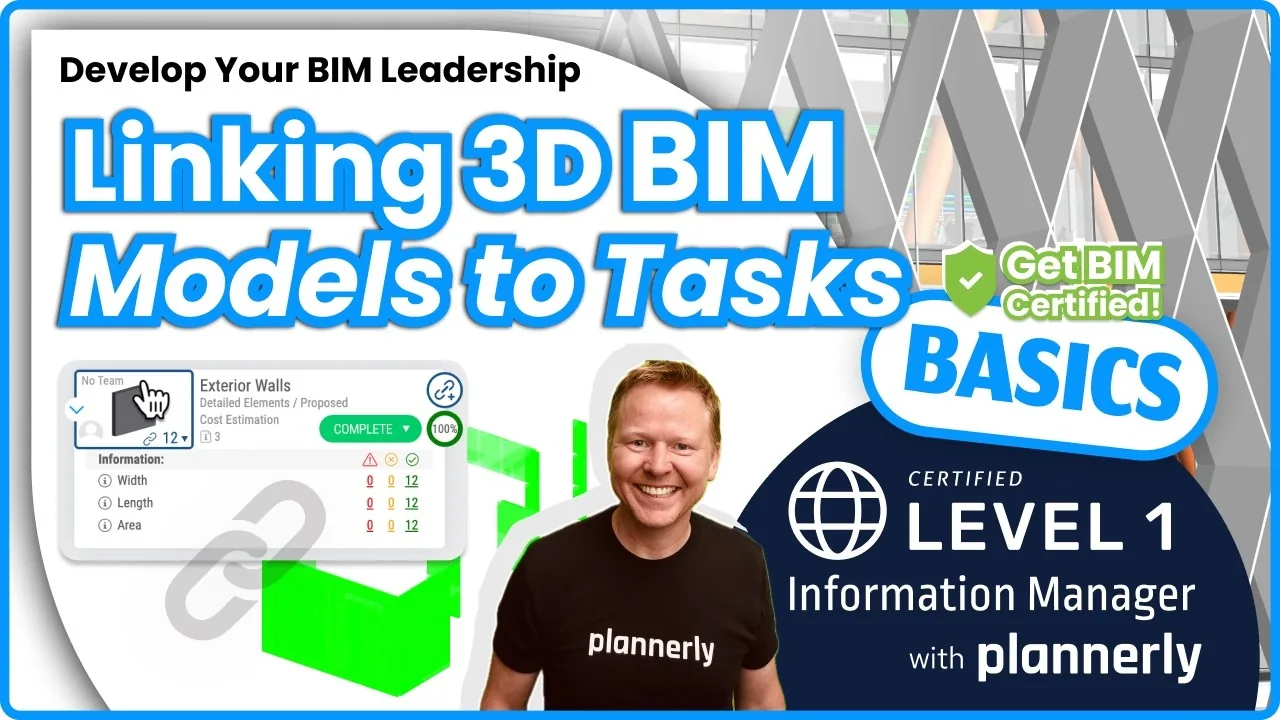 Video · 3:54
How to Use QA Model Checking in Verify - BIM Quality Control for ISO 19650 Workflows
Free BIM + ISO 19650 Training: https://plannerly.com/training/