
Video
Why your MIDP spreadsheet is failing (and how to fix it)
Chapters
- Welcome — where is everyone joining from?0:00
- Sneak peek: CDE Connect and the new File Manager2:16
- The job nobody signed up for3:10
- What ISO 19650 actually asks for3:35
- Why the MIDP spreadsheet always dies4:44
- The four steps7:37
- Live build — starting from an empty project9:50
- Paste your list, get every file11:50
- Automatic file naming16:30
- SmartFolder sets18:33
- Build Scope — planning the deliveries21:15
- Teams, owners and assignment23:41
- Timeline, dependencies and critical path25:10
- RACI and multi-party assignment26:56
- Agreeing it on the record27:38
- The contract document28:20
- E-signatures30:14
- CDE Connect — why "common" data environments aren't32:23
- Connecting and syncing your CDEs33:32
- Mapping folders and keeping files in step38:30
- Dashboards that build themselves41:05
- Recap — stop chasing, start managing44:45
- Next time: Surviving the RACI45:36
- Thanks and close47:02
About this video
[Steps for you to create the best TIDP-MIDP workflow.] Your MIDP shouldn't live in a spreadsheet that dies in week three.
In this session we build a Master Information Delivery Plan live, start to finish, on a real project — and show CDE Connect publicly for the first time. People joined live from more than 30 countries: the UK, Brazil, Kenya, Bangladesh, Bosnia, Yemen, the Philippines, Qatar, Lithuania and many more.
ISO 19650 asks for every task team's TIDP, combined into one MIDP. What the industry handed us was an Excel template. Put a responsibility in a spreadsheet and it goes there to die — put a required delivery date in one, and that's the death of a delivery.
Here's the alternative, in four steps.
DEFINE WHAT'S REQUIRED
Copy and paste from anywhere — drawing registers, emails, spreadsheets, Word documents. Every list combines into one set of required files, your container naming is read rather than retyped, and the weakest register comes up to the standard of the best.
AGREE IT TOGETHER
Build Scope turns those imported lists into a real management plan. Set who delivers what and when, with handoffs, deadlines, prerequisites, predecessors and successors — and RACI sitting on the deliverable itself rather than in an appendix nobody opens.
GET IT IN THE CONTRACT
The contract document is generated from the plan itself. Every required file, e-signatures built in, signed and locked with the full audit trail of who requested what and who agreed to it.
LET THE PLAN DO THE CHASING
Connected to the tools your teams already use, so delivered files check themselves off. Deadline emails and recurring reminders, behind-schedule flags, and progress dashboards that build and share themselves.
CDE CONNECT — FIRST PUBLIC LOOK
"Common data environment" is a lovely phrase. In practice most projects have four of them, and a single source of truth is usually multiple sources of truth. CDE Connect keeps them all in step with the agreement — Autodesk, SharePoint, Procore, Aconex, Asite, ProjectWise, Trimble, Viewpoint — so nobody re-uploads anything and the dashboards move on their own. Shown alongside the all-new File Manager and SmartFolder sets.
MIDP Survival Kit: https://plannerly.com/use-cases/midp/
⏱ CHAPTERS
0:00 Welcome — where is everyone joining from?
2:16 Sneak peek: CDE Connect and the new File Manager
3:10 The job nobody signed up for
3:35 What ISO 19650 actually asks for
4:44 Why the MIDP spreadsheet always dies
7:37 The four steps
9:50 Live build — starting from an empty project
11:50 Paste your list, get every file
16:30 Automatic file naming
18:33 SmartFolder sets
21:15 Build Scope — planning the deliveries
23:41 Teams, owners and assignment
25:10 Timeline, dependencies and critical path
26:56 RACI and multi-party assignment
27:38 Agreeing it on the record
28:20 The contract document
30:14 E-signatures
32:23 CDE Connect — why "common" data environments aren't
33:32 Connecting and syncing your CDEs
38:30 Mapping folders and keeping files in step
41:05 Dashboards that build themselves
44:45 Recap — stop chasing, start managing
45:36 Next time: Surviving the RACI
47:02 Thanks and close
🎓 Free training: https://plannerly.com/training
📋 Everything we ship, as we ship it: https://app.plannerly.com/changelog
🔴 Next episode — Next episode - Surviving the seven CDEs (Autodesk, Procore, SharePoint, Dropbox, Box, Egnyte, ProjectWise), Thu 5 Nov, 10:00 New York / 15:00 London. Free seat:
https://plannerly.com/live/#episode-4
#ISO19650 #BIM #MIDP #InformationManagement #ConstructionTech #CDE #BIMManager
Featured in
Where this video is used
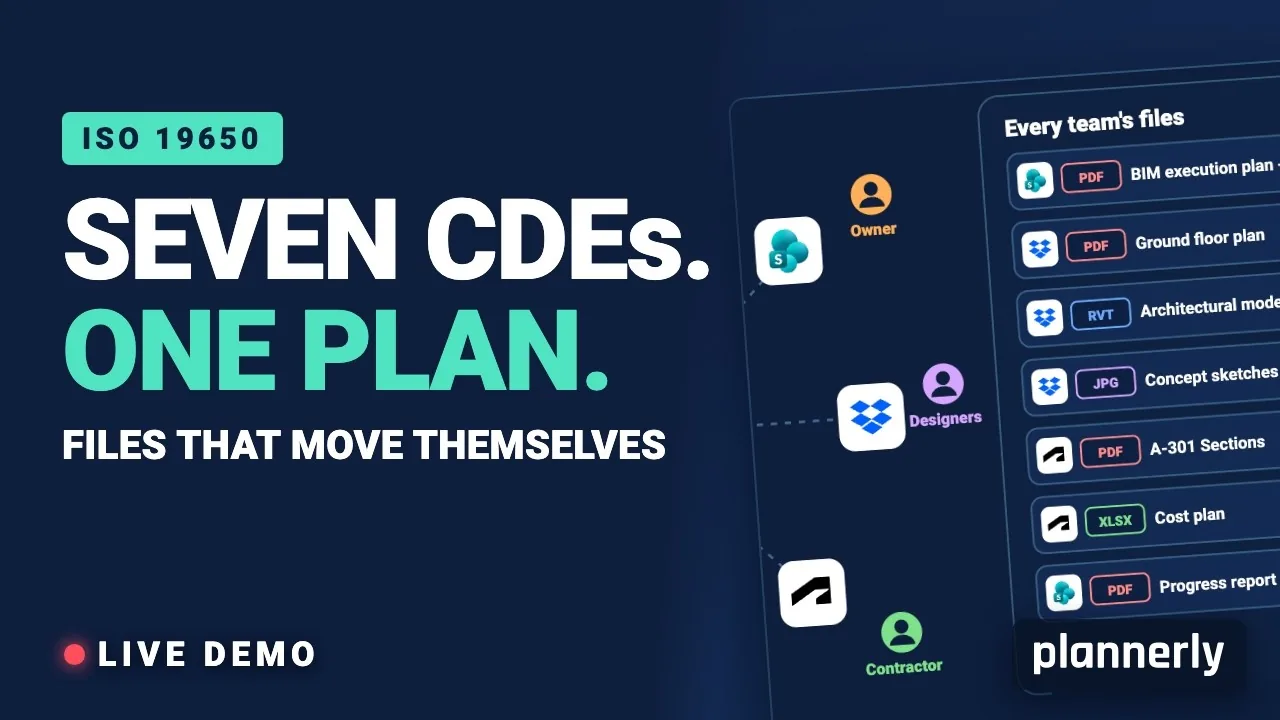 Video · 39:19
Why Your BIM Files Are Lost in Seven CDEs
Seven CDEs. One plan. In this live session an approved document files itself in the client's SharePoint, files dropped in the design team's Dropbox fill their requests in the MIDP, and a reviewed drawing goes straight on to the contractor's Autodesk Forma.
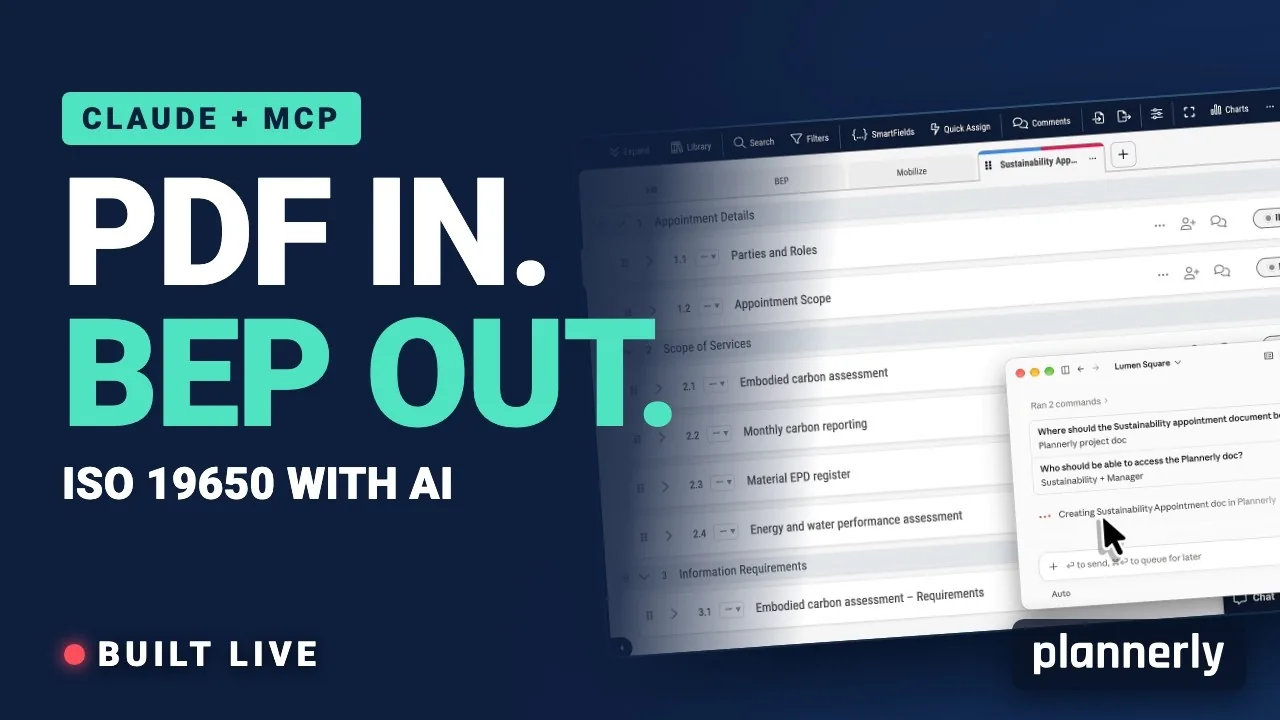 Video · 39:00
AI in BIM: Claude + MCP Turn a Client EIR into a BEP (ISO 19650)
Your client sent the information requirements as a PDF. In this live session we connect Claude to a Plannerly project with MCP and turn that EIR into a pre-appointment BEP, a scope, a RACI matrix and checkable information requirements - then just ask Javis what's missing.
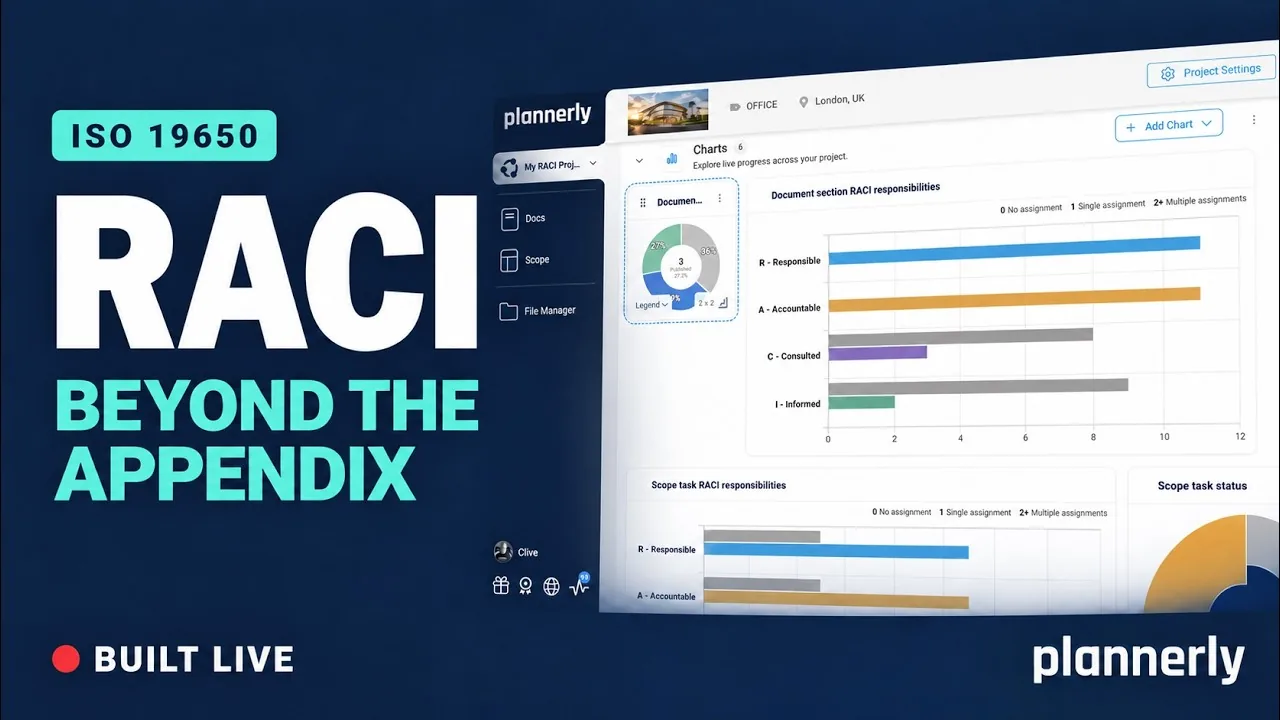 Video · 44:52
Why your RACI matrix isn’t enough (and how to fix it)
Your RACI matrix is complete. So why are you still chasing everyone?
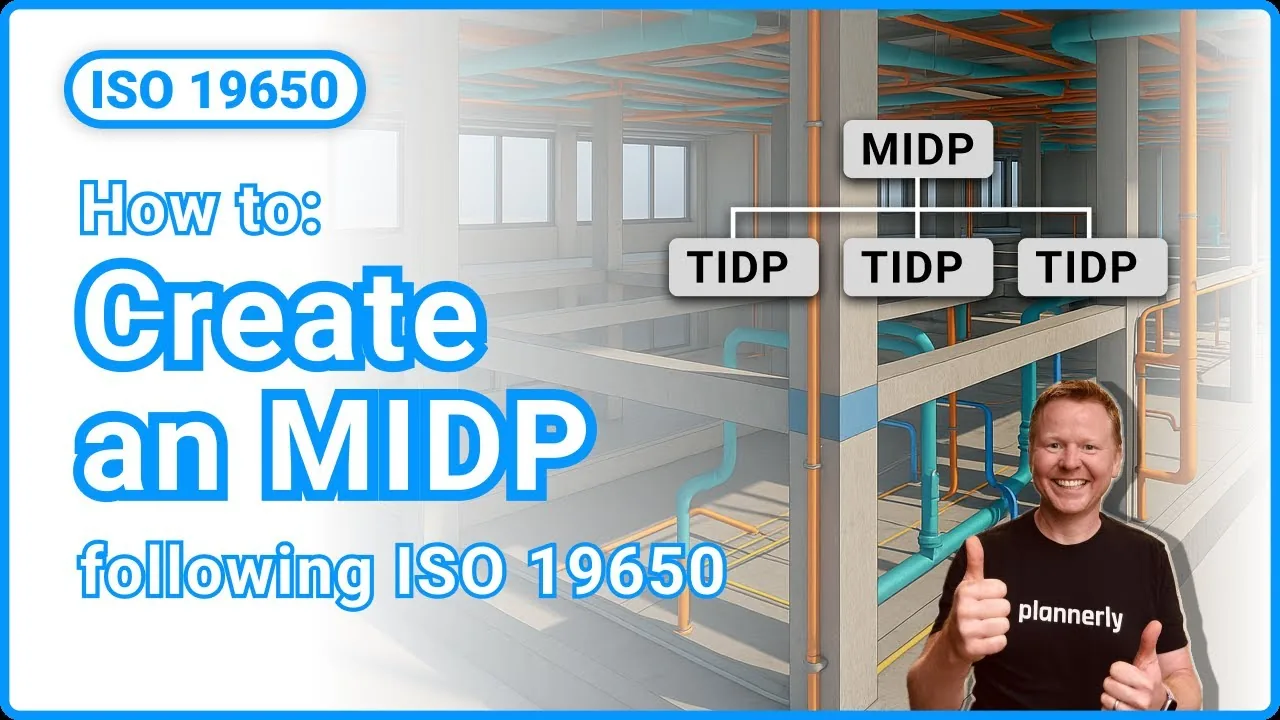 Video · 6:04
How to Create a MIDP and TIDP - ISO 19650 Task and Master Information Delivery Planning Explained
Free ISO 19650 Training: https://plannerly.com/training/ Learn how to build a complete Master Information Delivery Plan (MIDP) and Task Information Delivery Plans (TIDPs) using Plannerly. In this video, we show how to define tasks, assign responsibilities, structure deliverables, set...
 Video · 2:25
How to Build TIDP
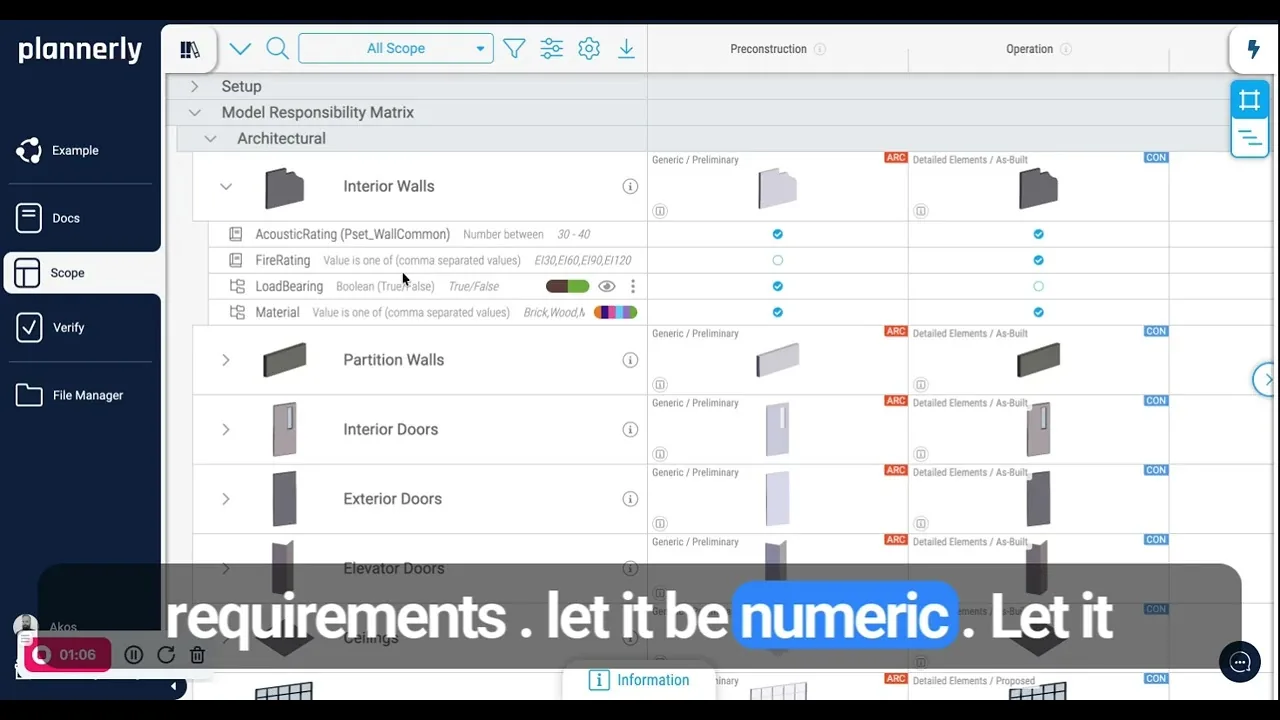
In this short video I answer a common Plannerly question - where do you actually build a model progression table, TIDP, MIDP, MPDT or EIR? They all live in one place: the Scope module, aligned with the level of information need concept from ISO 7817. With the 2026 ISO 19650 updates this artefact...
 Video · 1:25
How to Connect Autodesk Construction Cloud Models to Verify - BIM Model Sync and Checking
Free BIM + ISO 19650 Training: https://plannerly.com/training/