Building Information Modeling (BIM) is the process of creating and managing information about a building or infrastructure asset around a shared digital model, so everyone who designs, builds and runs it works from the same, up-to-date information. The M can mean modeling, model or management - and in my experience, the management part is where projects succeed or fail.
I hear you: what is all this BIM stuff and why should I care? You're not the first one - I've been there too. Hi, my name is Bryan, and I'm what you might call a "lazy BIM-er." I never went to school for architecture or engineering; I learned everything I know about BIM from watching YouTube tutorials and reading online. I want to share what I learned so you can learn about BIM too!
Below, I'll give you my perspective on Building Information Modeling (BIM): what the letters really mean, who uses it, what gets in the way, and whether it's worth it. Want the stage-by-stage version, from planning to operation? That's in my comprehensive guide to BIM. Sound good?
1. My perspective on BIM
BIM is like a 3D Lego set that you can use to design your dream home, office building or spaceship.
Well, sort of.
BIM is short for Building Information Modeling, a process of creating and managing digital representations of physical structures - and, just as important, all the information that goes with them.
Sounds complicated? It doesn't have to be - and I'm just the guy to teach you.
Let's say that you're building your dream house. You have all of these different people working on it - the architect, the engineer, the contractor, and so on. Wouldn't it be great if they all shared one common set of plans? That's kinda what BIM does - it creates one master set of information that everyone can access and update as needed. Less confusion, fewer mistakes. And once you've moved in, you can use the same data to run and maintain the property more efficiently!
2. Building information modeling, model or management? What the M in BIM means
Search for BIM and you'll see three versions of the M. Here's how I keep them apart:
- Building information modeling - the activity: creating structured information about a building, not just drawing it. A wall in a BIM tool knows it's a wall, how thick it is, what it's made of and its fire rating.
- Building information model - the thing you end up with: the 3D model plus its data and documents. ISO 19650 calls the one built during a project the project information model, and the one handed over to run the building the asset information model.
- Building information management - the process around it all: who needs which information, when, in what form, and how it's checked and shared. That's the job of the BIM manager or information manager.
So which is right? All three. The international standard that now governs BIM, ISO 19650, is literally about "information management using building information modelling". A beautiful model that arrives late, with the wrong data, helps nobody - which is why BIM management (the plans, responsibilities and checks) matters as much as the modeling. If that's new to you, ISO 19650 explained in five minutes is a painless place to start.
3. A Brief History Of BIM
The idea is older than you might think: researchers such as Charles Eastman were describing buildings as databases in the 1970s, tools like ArchiCAD brought it to the desktop in the 1980s, and the term "building information modeling" caught on in the early 2000s.
BIM started out as mostly a way to create a 3D design, but it's evolved into so much more. BIM now brings together many information management practices to streamline design, construction, and building handover.
It's also being used for asset management and facility management. Some people even use BIM to support Intelligent Buildings and Smart Cities! Crazy, right?
But seriously, BIM keeps getting more popular - many governments now ask for it on public projects.

But I'm getting ahead of myself! Let's first look at who uses building information modeling (BIM) in their work.
4. Who uses BIM?
The list below is not comprehensive, because many companies now use BIM for a variety of purposes - but it's a good start:
- Architects use BIM software such as ArchiCAD and Revit to create three-dimensional models, so they can design more efficiently, optimise buildability, and manage a lot of construction data throughout the development process. BIM for architects.
- Engineers use tools like Tekla to create BIM and analysis tools like ETABS to check the structural integrity of a design. BIM for engineers and consultants.
- Contractors use BIM to create Clash Detection reports using tools like BIMTrack, BIMCollab, Dalux, NavisWorks, and Revizto. They also plan and track construction logistics using 4D simulations with tools like Synchro, communicate building progress, verify compliance with construction documents, and create as-built 3D models with data for handing over to the owner. BIM for contractors.
- Building Owners use BIM software like FM:Systems and Autodesk Tandem to collect building data, and many others to manage building performance, energy consumption, and life cycle analysis - more on that in my Digital Twins blogs! BIM for owners.
- Educators teach it, from colleges to MSc programmes - BIM for education.
Here's a team using some of these tools in a collaboration workshop:

You might be wondering how teams actually implement BIM. Let me dig into the practical side - and the challenges.
5. Challenges Implementing BIM
Going "digital" is fantastic, but there are risks. What challenges does BIM present, and how can they be overcome?

BIM implementation can cause a massive cultural change within an organisation - here are some of the top barriers to implementing BIM:
| BIM BARRIER | DESCRIPTION |
|---|---|
| No Client Demand | If the client doesn't require BIM, it can look like an extra cost to cut. This one amuses me, since adopting BIM should be about the advantages you gain as a firm, not the other way around! |
| Lack Of Training | Not everyone in design and construction is a BIM expert yet, which leads to difficulties and errors on projects. There's also a shortage of skilled people in BIM management in general. |
| Cost To Implement | BIM costs a little more to begin with, but the long-term advantages soon show. Getting over the initial investment is important but can be difficult in tight markets. |
| Poor Interoperability | If different software can't share information, teams end up re-creating it, and mismatched information leads to misunderstandings and disputes. Open standards like IFC help - see what openBIM is. |
| Legal Uncertainty | Who owns the model? Who is liable for its data? What must each team deliver? Contracts often don't say. An information protocol and clear responsibilities in every appointment answer most of it - but only if they're agreed. |
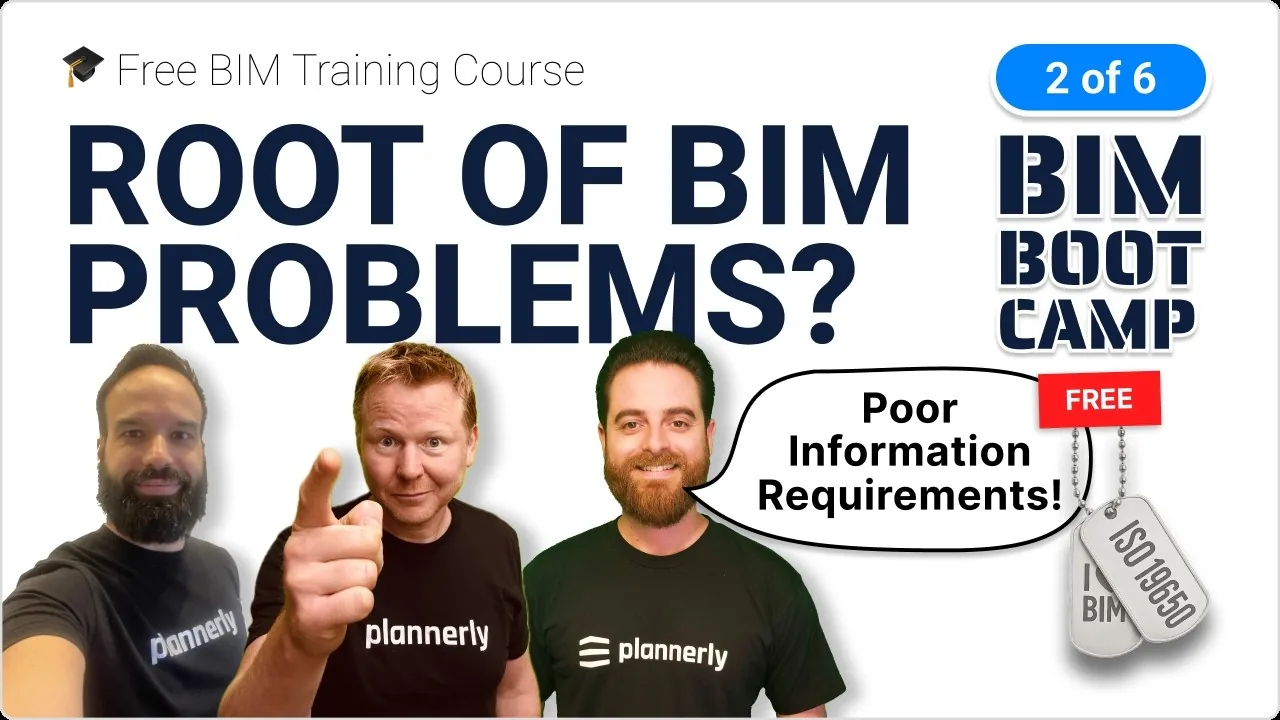
But don't let that scare you! There are ways to overcome these barriers and make your BIM implementation a success. Having a building information management system can help, and so can knowing that the root of most BIM problems is poor information requirements.
The most important practice to avoid many of these issues is to use a BIM Execution Plan, or "BEP"/"BxP" for short. The BEP organises the planning, defines the deliverables and requirements, and aligns the teams. So don't worry - everything should go much better if you have a BEP! Start from a free BEP template, and read more about why you might need a BIM Execution Plan here:

So, what's next? Now that you know who uses BIM and what to overcome, you might be wondering what the core benefits are.
6. The Advantages of Using BIM
The benefits of using BIM are massive - here are four of the big ones:
- Communication: BIM is like looking into the future, since it lets people conceive and express ideas in three dimensions, which is how we think! It helps teams avoid unpleasant surprises and gives the project a higher chance of success.
- Coordination: BIM lets the architect, structural, mechanical, electrical, plumbing and many(!) other disciplines make sure everything fits together before starting on site - avoiding costly rework.
- Construction Management: BIM projects let construction professionals track building progress, verify compliance with construction documents, and plan and track construction logistics.
- Facility Management: BIM lets property managers manage building systems, find and correct deficiencies, track occupancy, and plan future changes.
And it adds up: LIMSEN Consultants coordinated 50 companies and 45 BIM models on a 310,000 sqm development in Portugal and saved over €4 million - read how they did it. For every benefit, stage by stage, see my comprehensive BIM guide.
7. How can you learn to BIM like me?
You can pay for training from a Building Information Modeling software vendor like Autodesk, Graphisoft, Trimble, or one of their partners. You could look for a course from an organisation like the AIA, AGC or RICS, go for something from a standards provider like BSI or a BIM consultant, or if you're like me and looking for free options, try a video or two from this YouTube channel!
There are also many books on the subject if you prefer to read.
The free route I'd take today: Level 1, BIM Management Basics - short video lessons on the full workflow, with a certificate at the end - and the free PDF Five steps to better BIM management (opens in a new tab). And obviously, read more of my postings on building information modeling!
8. Is BIM worth the investment?
Building Information Modeling can be a big investment for companies, in both time and money. However, the benefits outweigh the costs as long as you have a great BIM plan in place! If you need to convince your boss, the free lesson on building a digital construction business case shows how.
Companies that use BIM effectively see better coordination, communication and management efficiency - and that leads to fewer building defects and lower building costs.
I say: if you're looking to future-proof your career and join a digital transformation that will be around for many years to come, then yes, BIM is worth it!
So, what do you think? Is BIM worth your investment?
Hopefully you're now thinking about how to learn BIM just like me. If not, one more good reason: people who can manage BIM information are in demand.
If you don't have the budget for full-time training, this free BIM Management training might be just what you need! You learn at your own pace and get certified as an Information Manager.
Good luck on your journey into the world of BIM! And if you want a quick start on your next BIM project, use Plannerly - join for free and use the templates right away.
Follow
I blog for the Five BIM Bloggers series. Every week we share different perspectives on important BIM topics! To hear our views first, join free or read more Building Information Modeling expert articles.