Lesson 22 of 40
Write a requirement a model can be checked against
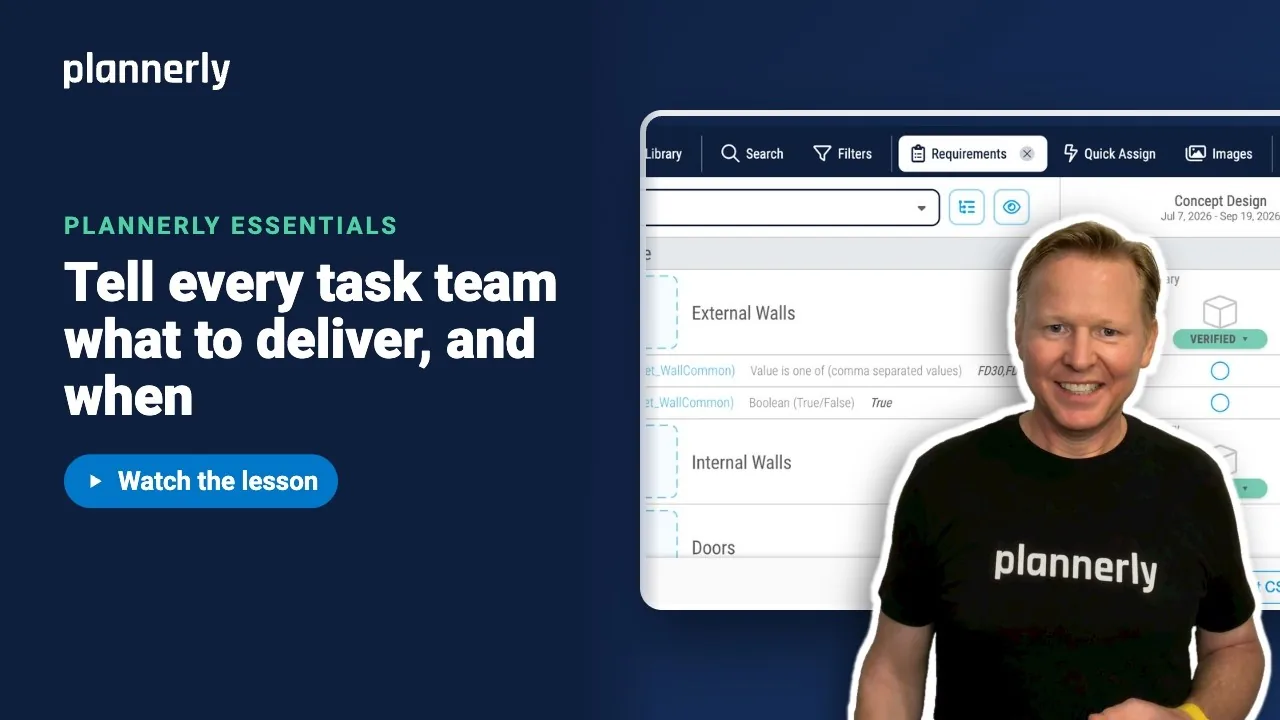
This video shows you how to turn a vague line like "provide fire rating" into a requirement with a rule a model either passes or fails, so teams know what to deliver and you can check it.
What you'll do
- In the Requirements panel, open Manage, then Create New.
- Start typing the group and the name, and pick them from the buildingSMART Data Dictionary suggestions. The definition fills in for you.
- Set the Verification Rule, for example Value is one of with the value FD30,FD60.
- Not sure how to phrase the rule? Use the robot button, describe it in a sentence and select Generate.
- Select Save.
Why it matters
If nobody can say what a pass looks like, nobody checks. A named property with allowed values is something task teams can deliver and you can test.
Common questions
Why do I see no suggestions as I type?
Suggestions start after three characters and need a bSDD dictionary chosen in the project's Standards settings.
I opened the AI dialog and cancelled. Why did my rule change?
Opening it switches the rule to Define Rule (Using AI) and Cancel does not undo that. Choose your rule again from the dropdown.
Discussion
0 comments
Sign in to start the conversation about this lesson.
Sign in